Choose by the job you need done
Choosing a parental control app with location tracking
A parental control app with location tracking can mean two different purchases: a way to find your child’s phone, or a way to manage what happens on its screen. Decide which job matters first, then check whether the same product covers both on your child’s device.
Kytetime Guides is published by the Geopapa team. We include our own product in this guide; this is a feature and setup comparison, not an independent performance ranking.
Start with three requirements
- The child’s operating system. Write down whether the child uses Android or iPhone. The availability of a parent app on iPhone does not establish which controls it can apply to the child’s phone.
- Your location needs. Distinguish a latest position, arrival notifications, a recorded route and a message deliberately sent by the child. These are separate features.
- Your screen rules. Name the actual rule: block a selected app, limit its daily use, set a bedtime schedule or filter websites. A product described as “parental control” does not necessarily provide all four.
Compare location tools separately from screen controls
| Option | Location tools | Screen controls and device fit |
|---|---|---|
| Google Family Link | Location of supported child devices and arrival/departure notifications for family places. | Supports app limits on supervised Android devices. An iPhone can run the parent app; child-device supervision has its own compatibility requirements. |
| Apple Family Sharing, Find My and Screen Time | Find My provides family location sharing and location notifications. | Screen Time is a separate set of app and content controls for the child’s supported Apple device. |
| Geopapa | Latest reported location, location history, saved-place alerts, family chat and child-to-parent SOS. | Parent and child apps exist for iPhone and Android. Check app-control availability in the installed version; iPhone app blocking and website filtering are not offered by Geopapa. |
The presence of a feature is not a measurement of its speed or reliability. This table uses published product information and does not claim that we tested competing apps side by side. Requirements and available settings can change with software versions.
When the tools already on the phone are enough
If you need app limits and the child’s latest position, start by checking Family Link for a supported Android child device, or Screen Time with Find My for an Apple device. Both Google and Apple document location-based notifications. Paying for a dedicated family locator is therefore a decision about the whole workflow, not access to an otherwise unavailable school-arrival alert.
Follow the vendor’s setup instructions for the child’s account and test both jobs: confirm that a location update arrives and that the intended screen rule takes effect. Passing one check does not establish that the other is configured.
Where Geopapa fits
Geopapa’s parental tools combine family location, chat and tasks with rewards. Choose it when you want those functions together and want to review recorded route points as well as the latest position. Parent and child roles use separate apps connected by a code.
For Android app restrictions, inspect the controls in the parent app and the permissions required on the child’s device before purchasing. Do not assume that the same settings are available from every regional or platform build. Geopapa does not provide iPhone app blocking, website filtering or access to private messages in other social apps. Our Geopapa product breakdown describes the available features and their limits.
Location and alerts rely on reported device positions. A child’s phone with no connection cannot send a fresh report to your app. SOS goes to connected parents, not emergency services. These details matter more than a long list of labels on a store page.
A practical check before subscribing
- Connect the exact two phones your family uses. Confirm the child companion’s identity using the parent app’s instructions.
- Check a location update with the child’s screen locked and review its timestamp.
- Save a familiar place, choose an arrival or departure notification and try it on a journey together.
- If a screen rule is essential, check that the required control exists and is applied on the child’s device.
- Review the current offer, included features, renewal terms and cancellation route. “Free to download” is not a promise that every feature remains free.
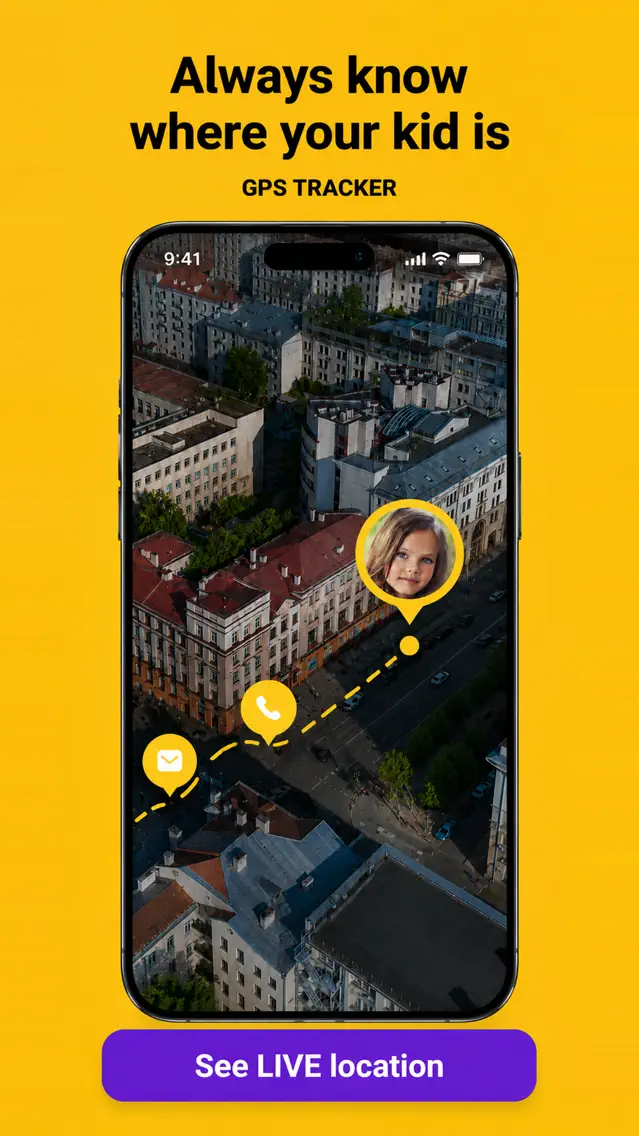
Check Geopapa on your family’s phones
Start with the parent app, connect the child companion and confirm that the location tools match your routine.
Get Geopapa for ParentsFree to download · In-app purchases
Common questions
Does a family locator app also block apps?
Not necessarily. Location sharing and app restrictions are different permissions and features. Check the particular product and child-device combination.
Can the parent use iPhone when the child uses Android?
Some products support this combination. Family Link offers an iPhone parent app, and Geopapa has parent and child apps for both platforms. Check individual controls rather than inferring support from the map alone.
Can I use location sharing alongside the phone’s own parental controls?
They serve different jobs. If you configure both, verify that app restrictions and background settings do not prevent the location companion from reporting. Review the arrangement openly with your child.
Official references
- Family Link: location and place notifications
- Family Link: managing screen time
- Apple: family location sharing
- Apple: parental controls on a child’s iPhone or iPad
For a broader setup walkthrough, read our guide to the controls already available on your phone.
Illustrations updated 24 September 2026 from the official Geopapa App Store listing. Promotional previews; the interface can vary by version.